
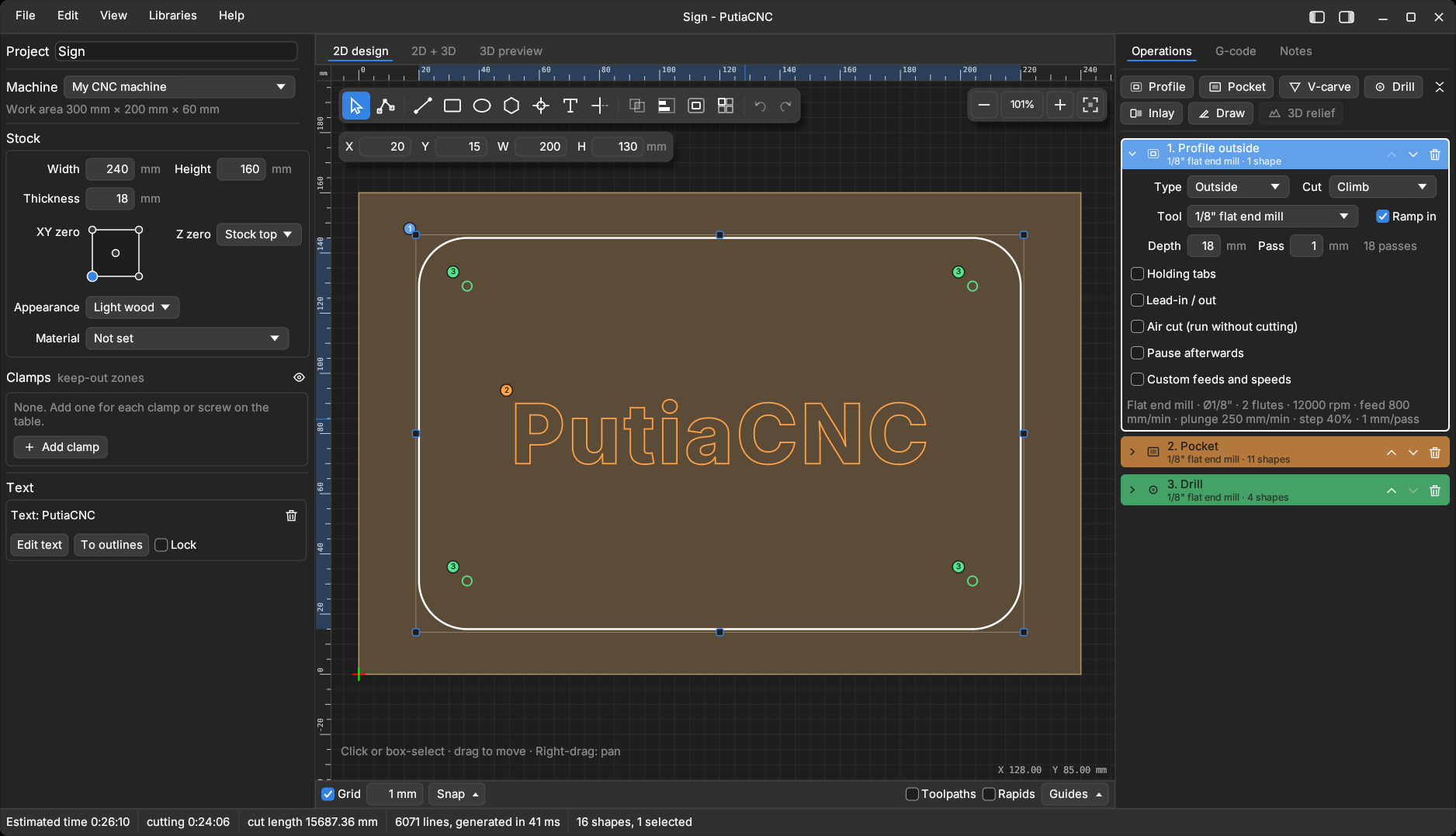
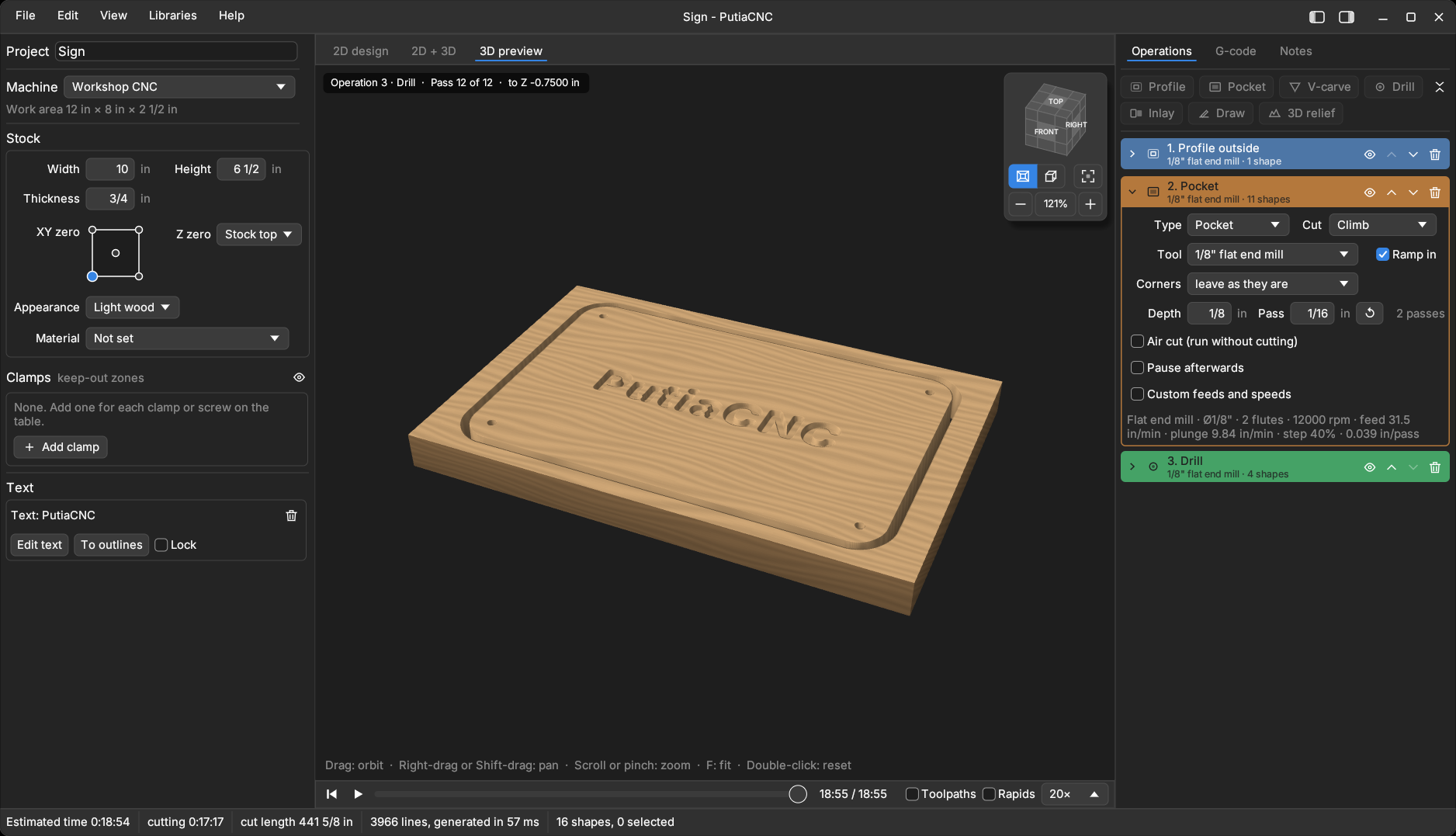
What it does
Drawing
Rectangles, ellipses, lines, polygons, stars, bolt circles, point grids and editable text in any installed font (straight, on an arc or following a shape), and layers. Import SVG, DXF, bitmaps (traced into outlines or centre lines) and STL / OBJ models for 3D relief.
Editing
Object snap, typed values, node editing, trim and extend, fillet and chamfer, offset, combine, align, array, rotate, groups, nesting on the stock, and clean-up of broken outlines (join loose ends, simplify outlines with too many points).
Operations
Profile (outside, inside, on the line), pocket, V-carve, drill, inlay and 3D relief, each with its own tool, depth, passes, ramp-in, holding tabs, lead-in / lead-out and air cut. Rest machining, finishing passes, adaptive clearing, and V-carve with a flat floor.
Preview and checks
2D canvas and simulated 3D stock with a play bar. Warnings for cuts too deep, into the table or clamps, outside the machine area, and rapids through material, all in one list. The G-code is always written; the warnings only inform, and exporting with warnings you haven't seen asks first.
Tools and machines
Tool libraries (imperial and metric, with ready-made CMT, Amana, Bosch, Freud, Whiteside and Diablo sets), chip-load estimate, and machine profiles (GRBL or Mach3 / LinuxCNC, work coordinates G54 to G59) with your own start and end G-code.
Everything else
G-code tab with time estimate, a printable setup sheet, project notes, keyboard shortcuts, light and dark themes, and projects saved as plain JSON files.
The full list, with every option, is in the feature guide.
Build from source
You need Rust 1.89 or newer and a C++ compiler. Install Rust from rustup.rs, then:
git clone https://github.com/tonyrh/putiacnc
cd putiacnc
cargo run --release -p putiacnc-gui